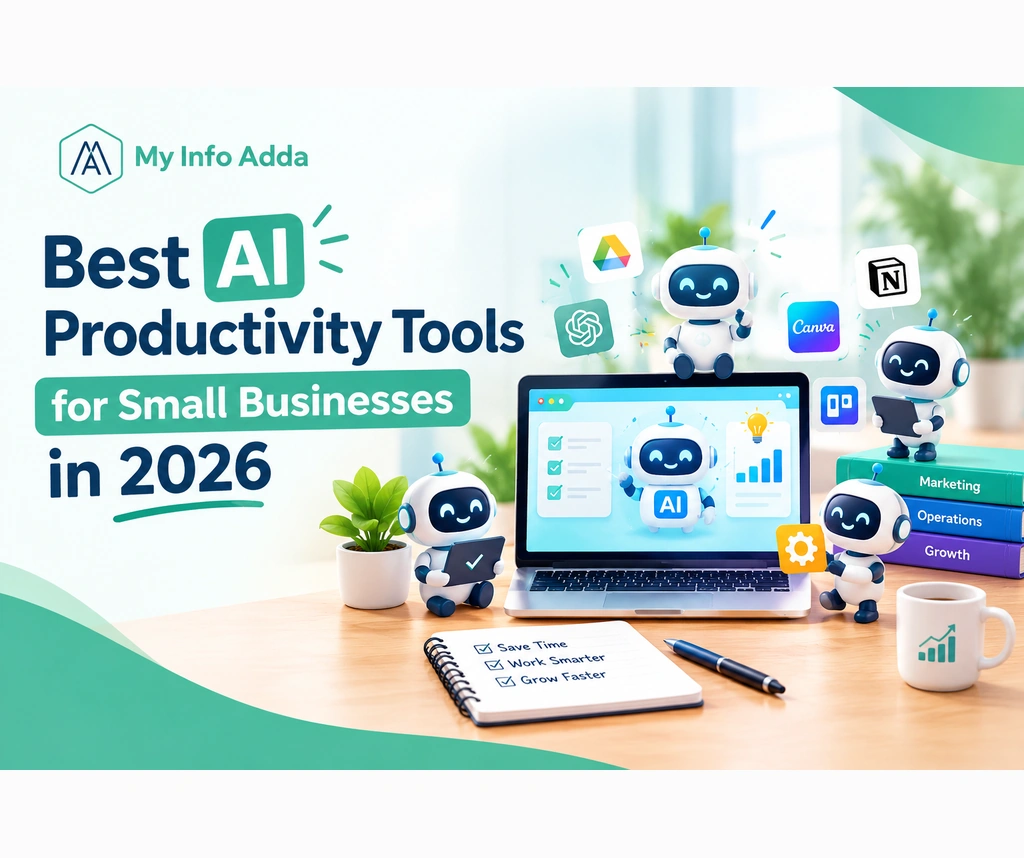

Running a business means juggling customers, marketing, emails and everyday tasks while time and money are scarce. Yet picking AI tools without knowing how they help can cost money and slow down work instead of speeding it up. This guide will show you the AI productivity tools for small businesses in 2026. It lists options, real life examples and a short checklist to start using AI tools right away.
Key Takeaways
- AI productivity tools help small businesses simplify writing, research, customer communication, and repetitive administrative tasks.
- Business needs determine which AI tools deliver the most practical value.
- Free AI tools for business offer useful features, although usage limits and commercial-use terms vary.
- Human review remains essential for accuracy, privacy, and consistent communication.
- Workflow automation can reduce repetitive work when processes are properly configured.
- Small pilot projects help businesses measure productivity improvements before purchasing subscriptions.
What Are AI Productivity Tools for Small Businesses?
AI productivity tools for businesses are software applications that use artificial intelligence to help with content creation, research, customer communication, project management and workflow automation. These tools support business owners and employees. They don’t take over the need, for human judgment.
For example an online store can use an AI assistant to draft product descriptions while a marketing agency can summarize meeting notes and prepare client task lists.
Why Should Small Businesses Use AI Productivity Tools in 2026?
AI productivity tools help small businesses save time, organize information, improve consistency, and make better use of limited resources. Their effectiveness depends on the task, the quality of the instructions, and the level of human review.
For example, a local salon can prepare several social media captions from one campaign brief instead of writing each caption from scratch.
The main benefits include:
- Faster content creation: Draft emails, product descriptions, and marketing posts.
- Simpler administration: Summarize documents and organize meeting notes.
- Better customer communication: Prepare responses to frequently asked questions.
- Improved organization: Convert project discussions into actionable tasks.
- Controlled spending: Start with free plans before committing to subscriptions.
What Are the Best AI Productivity Tools for Small Businesses in 2026?
The best AI productivity tools depend on whether your business needs writing assistance, design support, task management, meeting summaries, or automation.
Which AI Tools Are Best for Content Creation and Marketing?
ChatGPT, Google Gemini, Canva AI, and Grammarly support different parts of the content workflow.
- ChatGPT: Brainstorm blog topics, draft emails, summarize information, and develop campaign ideas.
- Google Gemini: Assist with research, writing, and compatible Google Workspace workflows.
- Canva AI: Help create marketing designs, presentations, and social media visuals.
- Grammarly: Correct writing errors, make sentences easier to understand, and enhance the overall tone of business communication.
For example, a boutique marketing firm might use ChatGPT to plan its blog content, Canva to create a visual for promotion, and Grammarly to edit the text before publishing it.
For businesses improving organic visibility, combining AI assistance] can support a more organized marketing process.
Can AI Tools Help Small Businesses Manage Tasks and Projects?
Notion AI and ClickUp AI help teams organize information, summarize work, and manage projects through their respective platforms.
For example, a three-person agency can record client requirements, assign responsibilities, and maintain project updates in one workspace. Available AI features depend on the current plan.
What Are the Best AI Tools for Customer Support and Workflow Automation?
Zapier and Fireflies.ai solve operational problems. Links compatible applications so that workflows can run automatically. Fireflies.ai records or summarizes meetings when Fireflies.ai is set up and allowed. I find Zapier useful for linking apps.
For example a business might send a new form submission into a spreadsheet. Notify its sales team automatically. A meeting assistant could then turn a client discussion into follow‑up tasks.
Which Free AI Tools for Business Can Small Businesses Use?
Free AI tools for business provide useful capabilities without requiring an ongoing subscription, although usage limits, features, and commercial-use terms vary by provider.
For example, a freelancer can draft client emails for free and create promotional graphics using a free design account before considering paid upgrades.
| Tool | Main Purpose | Free Access | Main Limitation |
| ChatGPT | Writing and research | Free plan available | Usage limits |
| Google Gemini | Research and drafting | Free access available | Features vary by plan |
| Canva | Marketing designs | Free plan available | Premium features cost extra |
| ClickUp | Task management | Free workspace available | Advanced AI may cost extra |
| Zapier | Workflow automation | Free plan available | Task and workflow limits |
| Fireflies.ai | Meeting transcription | Free plan available | Transcription limits |
For businesses operating on tight budgets, these free AI tools for productivity are a practical starting point. Check the current terms before using generated content commercially or uploading customer information.
How Can Small Businesses Use AI to Save Time?
Small businesses can use AI to save time by identifying repetitive tasks, selecting suitable tools, testing workflows, and reviewing results before expanding automation.
For example, a marketing agency can turn one approved campaign brief into several social media drafts, then review and schedule the best versions.
Follow these steps:
- Identify repetitive tasks: List activities such as writing emails, preparing reports, and answering common questions.
- Choose one problem: Start with a task that consumes time every week.
- Select a suitable tool: Check its features, free limits, and compatibility with existing software.
- Test a small workflow: Use a low-risk task before automating business-critical activities.
- Review the results: Check accuracy, tone, usefulness, and privacy.
- Evaluate the results: Compare the time required and the quality of work before and after implementing the tool.
How Should Small Businesses Choose the Right AI Productivity Tools?
The best AI productivity tool for a small business is the one that solves a clearly defined business problem while meeting its budget, security, integration, and usability requirements.
Before subscribing, use this checklist:
- Business need: Does the tool solve a genuine problem?
- Pricing: Can you use the free plan, or does the task require paid features?
- Ease of adoption: Can your team start using the tool effectively without requiring much guidance?
- Integrations: Does it work with your existing email, calendar, or project software?
- Privacy: Have you checked data retention, permissions, and privacy settings?
- Accuracy: Can you review and correct its output?
- Growth potential: Can the tool continue to meet your needs as your business expands?
Moreover, avoid common mistakes such as trusting unverified information, uploading confidential customer records to unsuitable services, and automating inefficient processes.
For example, AI can help organize customer feedback, but a business owner should verify complaints before contacting customers or making operational decisions.
What Should Small Businesses Do Next to Implement AI Productivity Tools?
Small businesses can begin implementing AI productivity tools within a week by testing one practical workflow and recording the results.
Your first-week AI implementation checklist
Your progress
0 of 7
Day 1: List three repetitive business tasks.
Day 2: Choose one task with a clear time-saving opportunity.
Day 3: Select a suitable free tool and review its privacy settings.
Day 4: Test the tool on a small, low-risk task.
Day 5: Review the results to ensure they are accurate, relevant, and practical.
Day 6: Compare the time and effort required before and after.
Day 7: Decide whether to continue, adjust, or stop the workflow.
Conclusion
AI productivity tools for businesses can make tasks like content creation, customer communication, project management and repetitive administration much easier.. It’s not about having many tools. It’s about choosing the one for the job.
Pick one problem your business faces. Try a tool that fits the need and is affordable. Then track how it helps. You’ll see if it’s worth it.
When you mix AI assistance, with judgment you get better results. You save time and effort. You also avoid adding costs or making things more complicated than they need to be.
For ways to improve your marketing explore
Frequently Asked Questions About AI Productivity Tools for Small Businesses
1. What are AI productivity tools for small businesses?
AI productivity tools are software applications that help small businesses simplify tasks such as writing, research, customer communication, project management, and workflow automation.
2. Which are the best AI productivity tools for small businesses in 2026?
Popular options include ChatGPT for writing, Google Gemini for research, Canva AI for design, ClickUp AI for project management, Zapier for workflow automation, and Fireflies.ai for meeting summaries.
3. Which free AI tools can small businesses use?
Small businesses can explore the free plans of ChatGPT, Google Gemini, Canva, ClickUp, Zapier, and Fireflies.ai. Features and usage limits vary by provider.
4. How can AI tools help small businesses save time?
AI tools can help businesses draft emails, create marketing content, summarize meetings, organize tasks, and automate repetitive administrative workflows.
5. Are AI productivity tools safe for business use?
AI productivity tools can be useful when businesses review privacy policies, configure security settings, and avoid entering confidential customer or financial information into unsuitable services.